G↗GENJUTSUVIDEO STUDIOOpen studio ↗
INDEPENDENT STUDIO / INVITATION BETA
YOUR FOOTAGE. ANOTHER REALITY.

Same motion.
New main character.

A new character. A different world. Start with a video you already love, and turn it into your next idea.

VIDEO + IMAGE → NEW VIDEOPOWERED BY KLING
THE TRANSFORMATION ROOM● REC
TAKE
02
ACTUAL STUDIO OUTPUTMake it
your own.
GENERATED TAKE / KLING
↳ SAME IDEA. NEW DIRECTION.16:9
A DIFFERENT REALITY ↗
REAL INPUTS. REAL GENERATED TAKES.

See what a new take looks like.

These are actual tests from our studio. Each result uses the source clip and reference shown below.

A new performer, same wave

CHARACTER SWAP / 4s
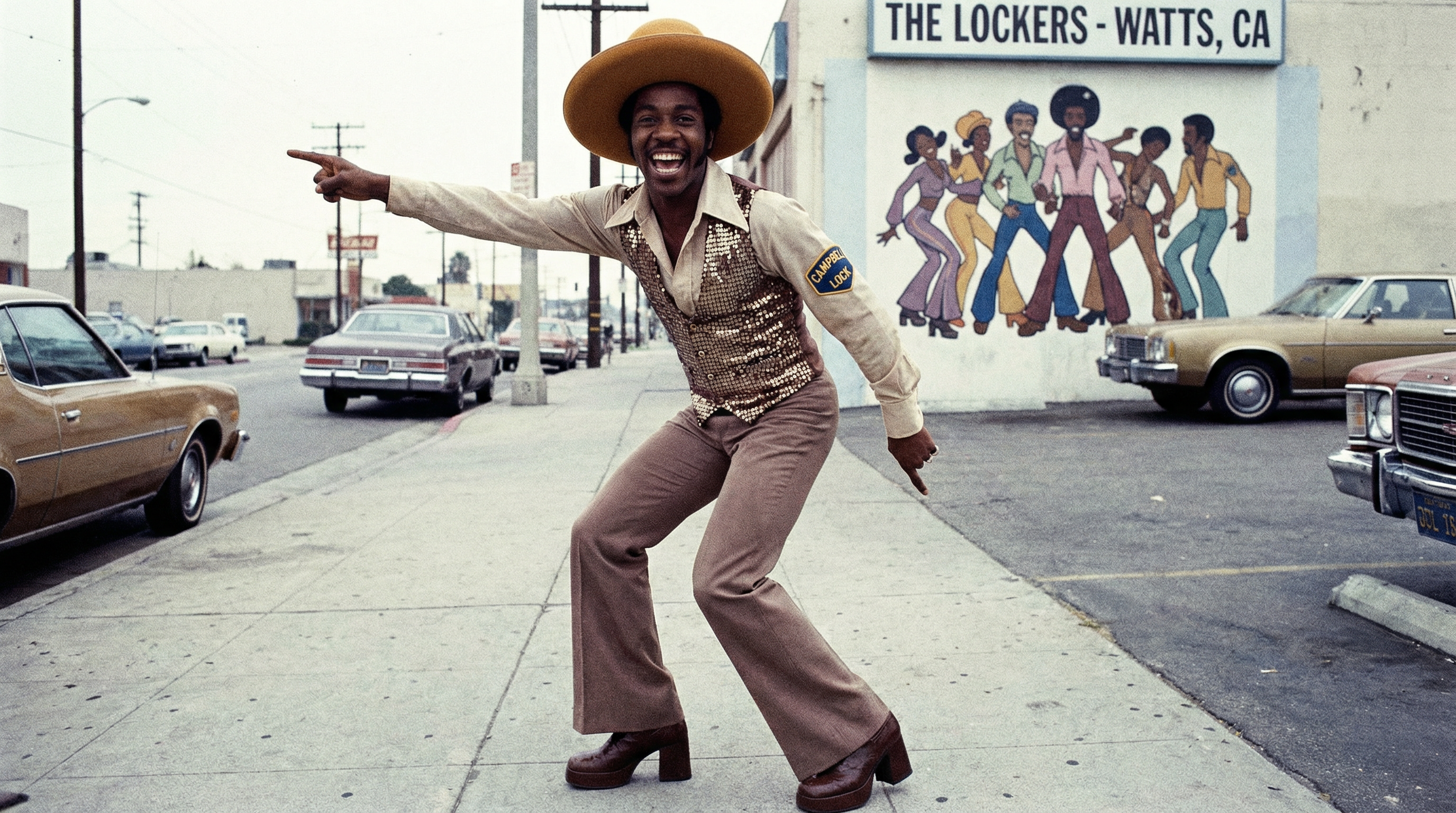
01 / ORIGINAL VIDEO
Character reference used in this test
02 / CHARACTER REFERENCE
03 / GENERATED RESULT
See the prompt and model

Use the reference character and keep the surfing performance, ocean setting and original camera framing.

Model: Kling O1 Video Edit · Actual output from a completed generation.

Character image from the official fal Kling Motion Control API example.
Try this workflow ↗

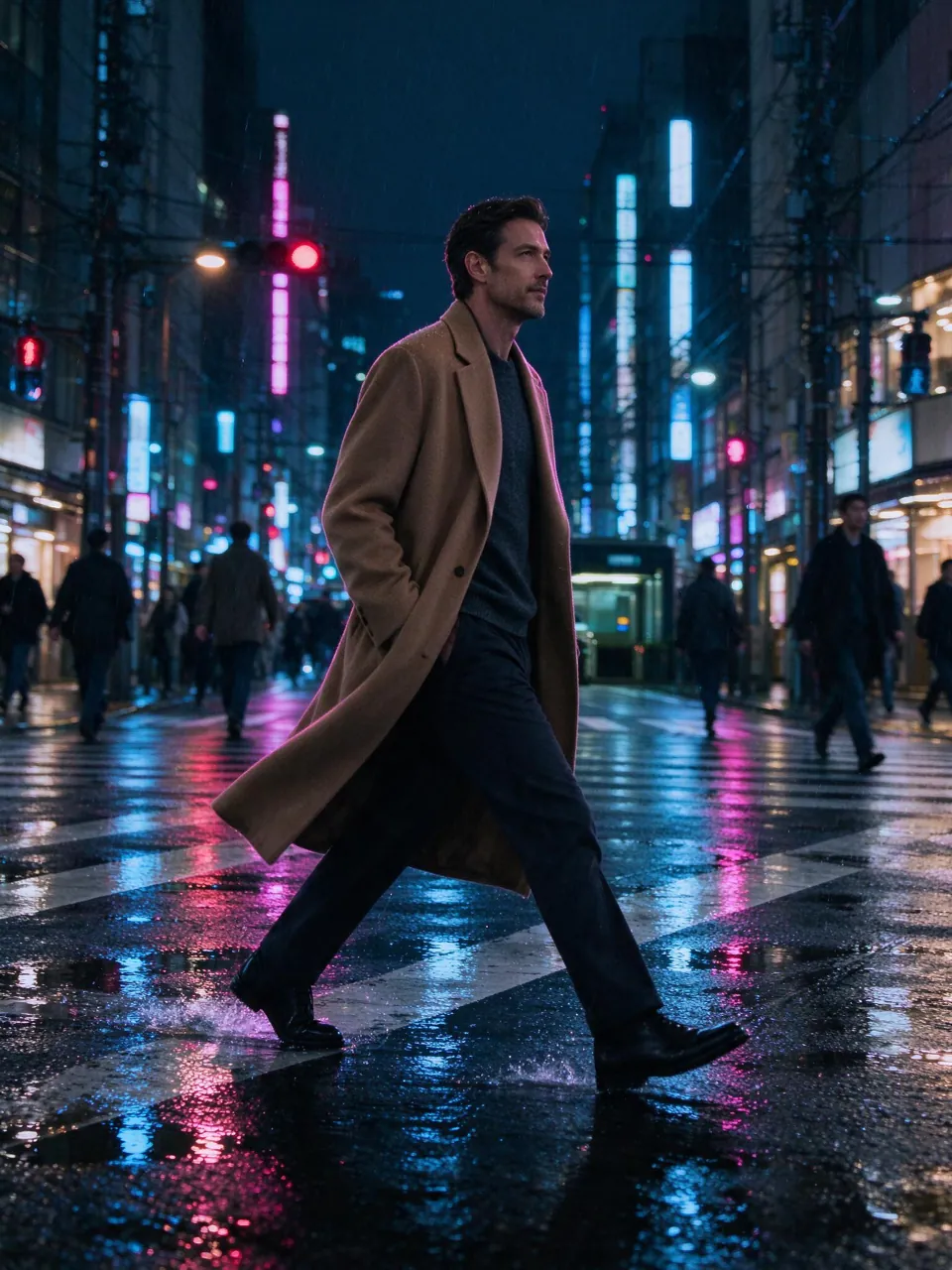
Rooftop run → neon city

MOTION TRANSFER / 3s
01 / ORIGINAL VIDEO
Character reference used in this test
02 / CHARACTER REFERENCE
03 / GENERATED RESULT
See the prompt and model

The man in the tan overcoat runs with the same performance as the reference video. Keep his outfit, facial identity and neon city atmosphere.

Model: Kling 3.0 Motion Control · Actual output from a completed generation.

Try this workflow ↗
TWO WAYS TO CHANGE THE TAKE

One clip.
A whole new direction.

THREE STEPS. ONE NEW TAKE.

You bring the footage.
We bring the possibilities.

01 /

Start with a clip

Choose a continuous, 3–10 second MP4. One visible character and a clear performance work best.

02 /

Give it a new identity

Add a character image. Choose character swap to edit the shot, or motion transfer to animate your reference.

03 /

Make your next version

Review your credit quote, generate, and download the result. Refine your references to improve the next take.

BEFORE YOUR FIRST TAKE

A few things
to know.

What is Genjutsu Video?

An independent video editing tool using third-party AI models. Character swap runs on Kling O1, and motion transfer uses Kling 3.0 Motion Control via fal.ai.

Is this Higgsfield’s Genjutsu?

No. Genjutsu Video is a separate product and is not affiliated with Higgsfield. Our workflows and outputs differ from Higgsfield Genjutsu.

What kind of files can I upload?

Standard MP4 videos between 3 and 10 seconds, up to 30 MB, with both dimensions between 720 and 2160 pixels. Use 24–60 fps. Character references can be JPG, PNG, or WebP up to 10 MB.

Will the movement stay exactly the same?

The models use your video to guide movement. Results can change details, timing, or background elements. Fast actions, occlusions, and multiple characters may reduce consistency.

Can I try it for free?

We are currently in invitation beta. Sign in and request beta credits. No subscription or payment is required to request access.

What happens if a generation fails?

Credits held for a failed job are returned automatically. A completed video with an unexpected aesthetic result is still a completed generation.

YOUR NEXT TAKE STARTS HERE

Change the character.
Keep creating.

Open the studio ↗